WordPress
Is Your WordPress Website Ready for AI Search?
A WordPress website can look professional and still be unclear to AI tools. Learn the practical signals that help AI search systems read, understand, and trust your business website.
Published 2026-06-03 · Visible AI Site
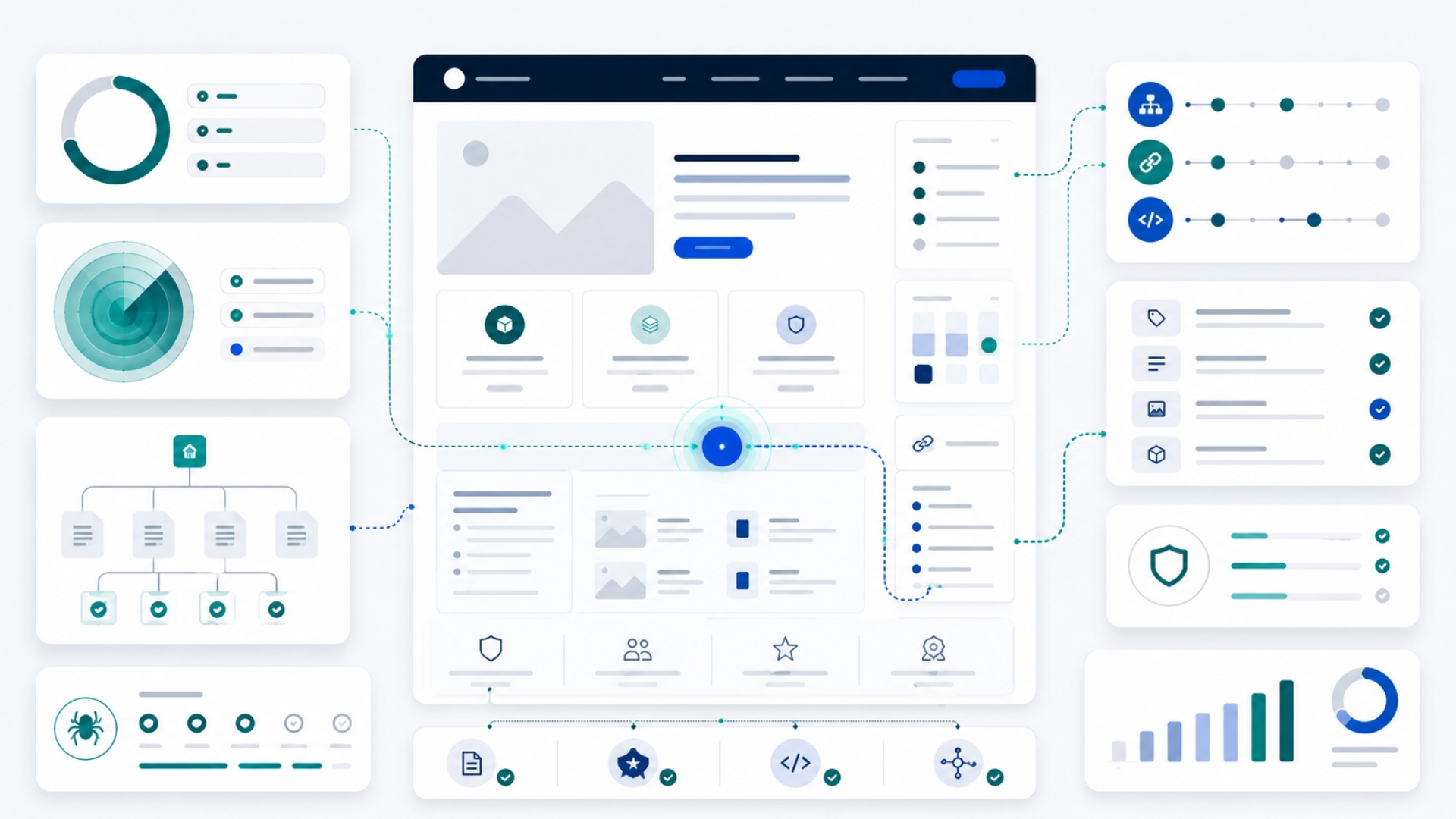
A WordPress website can look professional and still be hard for AI tools to understand.
That may sound strange at first. Business owners usually judge a website by how it looks: the design, colors, photos, layout, and whether the homepage feels polished. Those things matter for people. But AI tools also need other signals. They need to open your pages, read your content, understand what your business does, identify important pages, and trust that your business information is clear and consistent.
If those signals are weak, your website may still exist online, but it can become harder for AI-assisted search tools to understand, summarize, compare, or recommend.
This article explains what WordPress AI search readiness means in plain English, why it matters for business websites, and what you can check first.
What does AI search readiness mean for a WordPress website?
AI search readiness means your WordPress website is clear enough for AI tools, search systems, and answer engines to read and understand.
For a small business website, that usually means AI tools should be able to answer basic questions such as:
- What does this business do?
- Who does it serve?
- Where does it operate?
- What services does it offer?
- How can someone contact the business?
- Is the information on the site clear and trustworthy?
- Are the important pages easy to find?
This does not mean your website will automatically appear in every AI answer. No tool can honestly guarantee that. But if your website is unclear, blocked, poorly structured, or missing basic trust signals, it gives AI systems less useful information to work with.
The goal is not to “trick” AI tools. The goal is to make your website easier to read, easier to understand, and more reliable as a source of information about your business.
A good-looking WordPress site can still be unclear to AI tools
Many small businesses invest in a WordPress website and assume the job is finished once the design looks good. That is understandable. A clean design creates trust with visitors.
But design is only one layer.
AI tools do not only look at the visual page. They may rely on page content, headings, links, metadata, structured data, crawl access, site architecture, and other signals that are not always obvious to the business owner.
For example, a local service company may have a beautiful homepage, but AI tools may still struggle if:
- the services are only mentioned briefly on one page;
- there is no clear About page;
- the Contact page is hard to find;
- important content is hidden inside sliders or images;
- page titles are vague;
- the site has no clear internal links between related pages;
- the business name, address, phone, or service area is inconsistent;
- the site is accidentally blocking crawlers;
- multiple plugins are producing conflicting metadata or schema.
To a visitor, the site may look fine. To an AI system trying to understand the business, it may be incomplete or confusing.
Start with clear service pages and business information
The first question is simple: can someone, or an AI tool, understand what your business offers without guessing?
A common mistake is putting all services into one general “Services” page with short descriptions. That may be enough for a human who already knows the business, but it is often weak for discovery.
Each major service should have its own clear page when possible. A useful service page should explain:
- what the service is;
- who it is for;
- what problem it solves;
- what is included;
- what is not included, if needed;
- where the service is available;
- what the visitor should do next.
For example, a clinic website should not only say “medical services.” It should clearly show the clinic’s specialties, doctors, location, appointment options, contact details, and any important patient information.
A consulting firm should not only say “business solutions.” It should explain the actual services, industries served, process, and expected outcomes.
This is content clarity. Behind the scenes, it also supports search visibility, internal linking, and AI understanding.
Page titles, descriptions, headings, and canonicals matter
Every important WordPress page should have a clear title, a useful meta description, a clear main heading, and a correct canonical URL.
In plain English:
- the page title tells search and AI systems what the page is mainly about;
- the meta description gives a short summary for search previews and page understanding;
- the main heading tells readers what they are looking at;
- the canonical URL helps identify the main version of the page when duplicates exist.
For a business owner, this means each page should have a clear job.
A page titled “Home” or “Services” may be technically valid, but it does not say much. A better page title would usually include the business category, service, or location where relevant.
For example:
| Weak page signal | Clearer page signal | |---|---| | Services | Accounting Services for Small Businesses | | About | About BrightPath Dental Clinic | | Contact | Contact BrightPath Dental Clinic in Austin | | Consulting | Operations Consulting for Growing Service Businesses |
The point is not to stuff keywords. The point is to make the page easier to understand.
Your About, Contact, Privacy, and Terms pages help build trust
AI visibility is not only about technical settings. Trust signals also matter.
For a normal WordPress business website, the basic trust pages are usually:
- About;
- Contact;
- Privacy Policy;
- Terms of Use or Terms and Conditions, where relevant.
For local or professional businesses, the About and Contact pages are especially important. They help explain who is behind the business, what the business does, where it operates, and how someone can reach it.
A weak Contact page may only show a generic form. A stronger Contact page may include business email, phone number, location or service area, opening hours, and a short explanation of what happens after someone submits the form.
This helps people. It also gives AI tools clearer business information to interpret.
Sitemaps and internal links help important pages get discovered
A website should not depend on visitors or AI tools guessing where important pages are.
Your WordPress site should have a current XML sitemap and clear internal links between related pages.
In simple terms, a sitemap is a file that helps search systems discover important pages. Internal links are the links inside your website that connect one page to another.
For example:
- your homepage should link to your main services;
- each service page should link to related services or case studies;
- blog posts should link to relevant service pages;
- your footer should link to About, Contact, Privacy, and Terms;
- important pages should not be hidden with no links pointing to them.
If a page is important but not linked anywhere, it becomes harder to discover and understand. This is sometimes called an orphan page.
For AI search readiness, your content should form a clear map of your business, not a collection of disconnected pages.
Structured data helps explain your website in a machine-readable way
Structured data is one of those technical terms that can sound complicated. The business meaning is simpler:
Structured data gives search systems and AI tools extra clues about what a page represents.
For a WordPress business website, useful structured data may include:
- Organization schema;
- LocalBusiness schema, if the business serves a location;
- Article or BlogPosting schema for blog posts;
- BreadcrumbList schema for navigation paths;
- Service schema for important service pages, where appropriate.
Structured data does not replace clear visible content. It should describe what is already visible on the page. If your Contact page does not clearly show your business information, adding schema alone is not enough.
Think of structured data as a label system. It helps explain the content, but the content still needs to be useful and accurate.
Semantic HTML and accessibility make your site easier to read and use
AI tools, search systems, browsers, and assistive technologies all benefit from clear page structure.
In plain English, your website should use real page elements for real jobs:
- navigation should use real links;
- buttons should be real buttons;
- forms should have proper labels;
- headings should follow a logical order;
- the main content should be easy to identify;
- contact and booking actions should not be hidden behind confusing controls.
This matters because modern AI and browser-based tools may inspect not only text, but also the page structure and accessibility information.
A common WordPress issue is that some themes or page builders create visually attractive sections using messy code, fake buttons, hidden content, or JavaScript-only navigation. That can make the site harder to crawl, harder to use, and harder for automated systems to understand.
Good accessibility is not only a compliance concern. It is part of making your website clearer and more usable.
Common WordPress mistakes that weaken AI search readiness
WordPress is flexible, but that flexibility can create problems if the site is not maintained carefully.
Here are common issues that can reduce clarity:
| Mistake | Why it matters | |---|---| | Installing multiple SEO plugins | They may create duplicate or conflicting metadata and schema. | | Using vague service pages | AI tools may not understand what the business actually offers. | | Hiding important content in images or sliders | The content may be harder to read or extract. | | Blocking crawlers through security settings | Search and AI tools may not be able to access important pages. | | Missing About or Contact details | Trust and business identity become weaker. | | Poor internal linking | Important pages become harder to discover. | | Slow, heavy page builders | Pages may load slowly or become harder to render. | | Fake buttons or JavaScript-only links | Crawlers and agents may not understand the action or destination. | | Old blog posts with outdated claims | AI tools may find and repeat old information. |
Most of these issues are fixable. The first step is knowing they exist.
What the AI Visibility Checker can check automatically
The AI Visibility Checker gives you a practical first look at selected signals that may affect how clearly AI tools can read and understand your WordPress website.
For a WordPress site, an automated scan may check signals such as:
- whether the URL is accessible;
- whether HTTPS is enabled;
- whether robots.txt appears to block important access;
- whether a sitemap is detected;
- whether page titles, meta descriptions, H1s, and canonicals are present;
- whether basic structured data appears on the page;
- whether common trust pages are linked;
- whether the page has basic semantic HTML signals;
- whether there are signs of WordPress or plugin-related structure.
These checks are useful because they reveal visible foundation gaps quickly.
What still needs manual review
An automated scan cannot prove everything.
For example, it may detect that a page title exists, but it cannot fully judge whether that title is the best title for your business. It may detect structured data, but a manual review may still be needed to confirm that the schema is complete and accurate. It may find a Contact page link, but it cannot fully judge whether the business information is persuasive and trustworthy.
A full AI visibility review may still need human judgment around:
- content quality;
- service clarity;
- business positioning;
- competitor visibility;
- local trust signals;
- outdated content;
- real AI answer testing;
- accessibility quality;
- whether the website supports the actual sales journey.
The scan gives you a practical first look. Some issues can be checked automatically, while others need a manual review of your content, business trust signals, competitors, and user experience.
How to start checking your WordPress site
You do not need to become technical before taking the first step.
Start by asking a simple question:
> Can AI tools clearly read and understand what my WordPress website offers?
Then check the basics:
- Are your main services clearly explained?
- Are your important pages easy to find?
- Are your About and Contact pages complete?
- Are your page titles and headings clear?
- Is your sitemap available?
- Are crawlers accidentally blocked?
- Is structured data present where useful?
- Are buttons, links, and forms clear and accessible?
If you are not sure, run the AI Visibility Checker to get an initial scan of selected signals.
Check your WordPress site
Your WordPress website may already have some good foundations in place. It may also have hidden gaps that are hard to see from the design alone.
Run the AI Visibility Checker to see whether your WordPress site is readable, structured, and ready for AI-assisted search.
If the scan finds issues you do not want to handle yourself, you can request help fixing the practical gaps.
Run a practical first check
Use the AI Visibility Checker to see whether your website or online store has selected public signals in place.
Run the AI Visibility Checker